Map the emotional
journey through your story
Story Beats Studio is a beat map editor for the story beats method from Robin D. Laws'Hamlet's Hit Points, Beating the Story, and the upcoming Hamlet's GM Screen. Lay out your story's moments as beats, connect them with transitions, and watch the emotional trace of your story take shape. The web site you knew as storybeats.io is now a desktop app!
Get launch news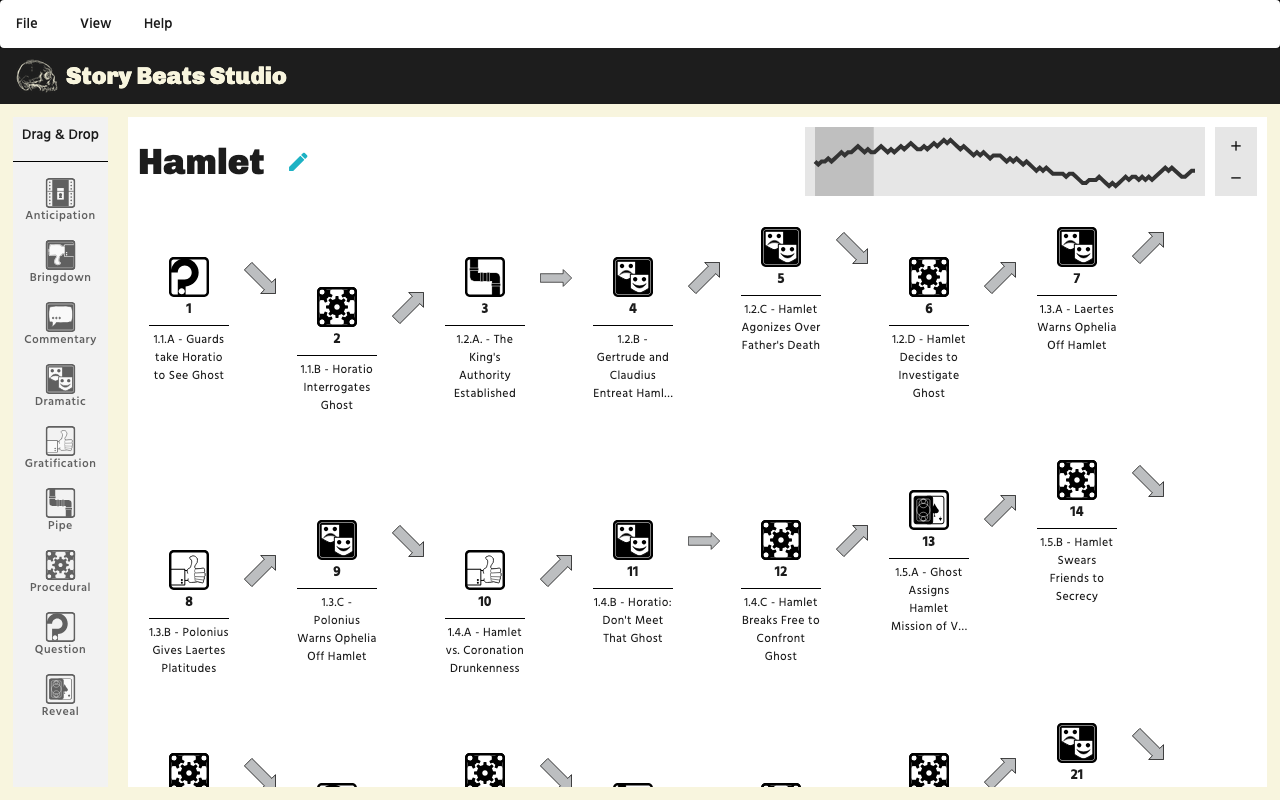
One purchase, one license, every machine you write on
Story Beats Studio is a one-time purchase, not a subscription. Your license key allows you to use the studio on any machine you own, forever. Sign up for the newsletter to hear the price and the release date first.
Built for all storytellers
Novelists, screenwriters, and game masters all use beat maps to see where a story takes their audience from hope to fear and back. Beat maps help you find the right balance to keep them engaged with your story.
How Story Beats Studio works
Create a map of your audience's emotional journey through the narrative
Select beat types
Pick a beat type from the palette, drop it on the map, give it a title and a description. Procedural and dramatic beats carry the plot; pipes, questions, reveals, and gratification beats shape how the audience experiences it.
Connect with transitions
Every beat resolves up, down, or laterally against the audience's hopes and fears. The map rises and falls with those resolutions.
See the big picture
The graph at the top of the window shows the whole beat map at a glance. Use this information to tune your narrative for the emotional journey you want your audience to experience.
Print or export to PDF
Take your map to the writers' room or the game table, or share it with your friends. PDF exports and paper printing make your beat maps portable.
Based on the books
Robin D. Laws' story beats method, first set out for games and later for fiction. The method, the names, and the icons are used with permission and encouragement.

Hamlet's Hit Points
Takes three well-known stories apart beat by beat and shows game masters how the same rhythm of hope and fear drives a session at the table.
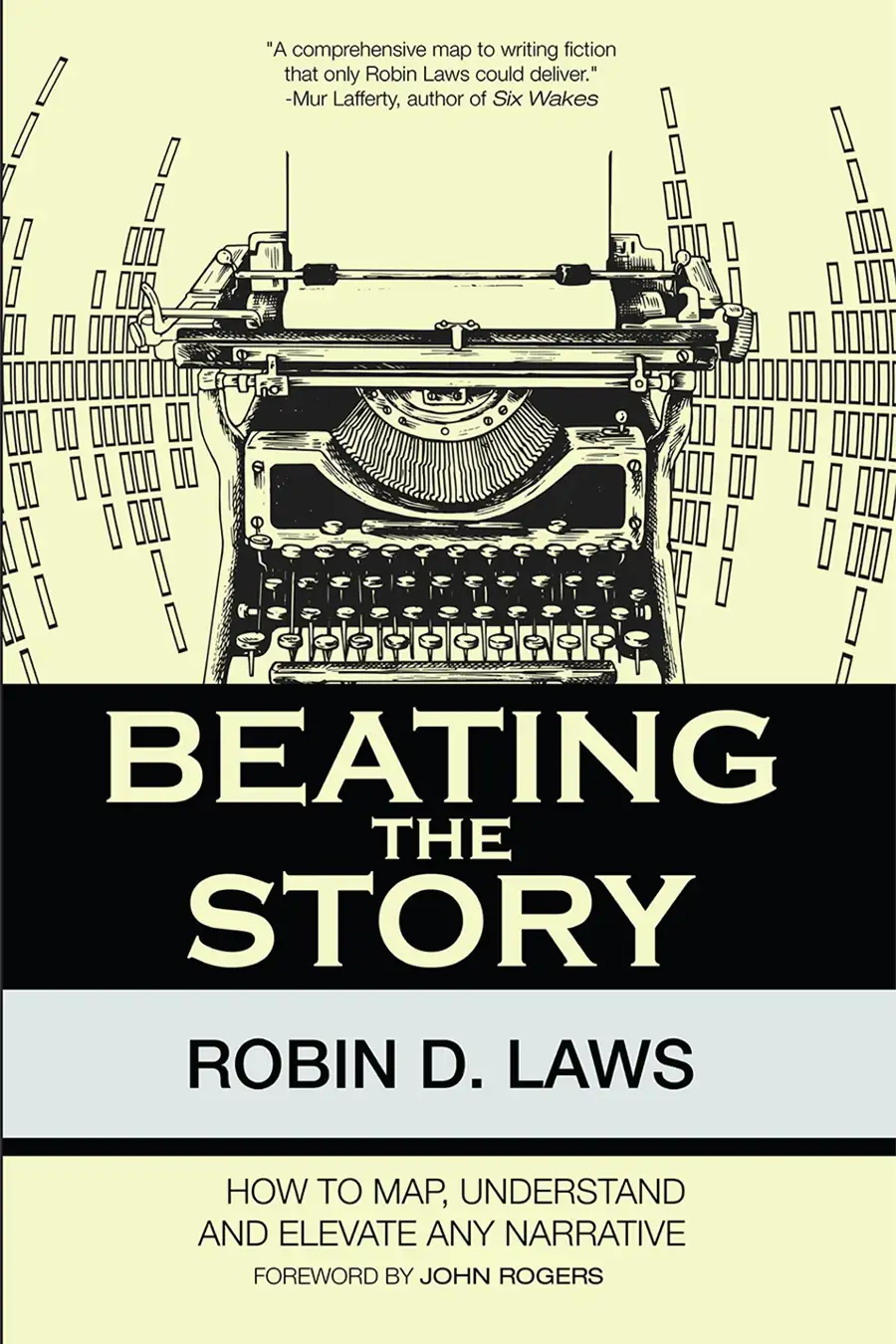
Beating the Story
Brings the method to novelists and screenwriters, with the full set of beat types and transitions that Story Beats Studio puts on the map.

Hamlet's GM Screen
Brings beat mapping directly to the game table with an analysis of the key moments that make up a gaming session.
Nine kinds of beat

Procedural

Dramatic

Pipe

Question

Reveal

Gratification

Anticipation

Bringdown

Commentary
Four ways a beat can land

Up

Lateral

Down

Mixed
Runs on your desktop
Story Beats Studio is a native app for macOS and Windows. No account to keep signed in, no browser tab to lose.
macOS
- Apple Silicon and Intel machines
- macOS 13 Ventura or later
Windows
- 4GB RAM, 5GB free storage
- Windows 10 or later
Have you used the storybeats.io web tool?
The web editor has been retired. Every map you made there has been exported as a
.storybeats
file that opens in Story Beats Studio.
Contact us
and we will send you a zip file with all of your maps.
Hear about the launch first
Subscribe to the Northland Creative Wonders newsletter for the release date, the price, and what comes after launch. One list for all our tools; unsubscribe any time.